
Last updated on March 23, 2026
If you play Crimson Desert on PC, you may have noticed that memories and the memory lantern system are not very clearly explained. You can see the lantern pulse, trigger a memory fragment, and even equip the Visione helmet, but the quest still does not complete. This guide explains in a clean, step‑by‑step way how to use memories in Crimson Desert on PC.
How to Equip the Lantern on PC
First, make sure the memory lantern is ready.
- Press F2 to open the radial / item wheel.
- Select the lantern icon and confirm with left‑click.
- The lantern now stays on your belt and can be activated whenever you approach a suspicious spot.
How to Reveal a Memory with the Lantern
Now you can start finding memory fragments in the world.
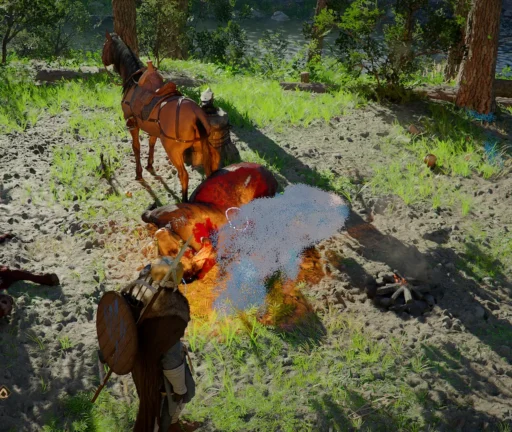
- Move close to an area that looks like a memory point (corpse, fire, object, marked ground).
- Hold Ctrl (default Focus / Use key) to activate the lantern.
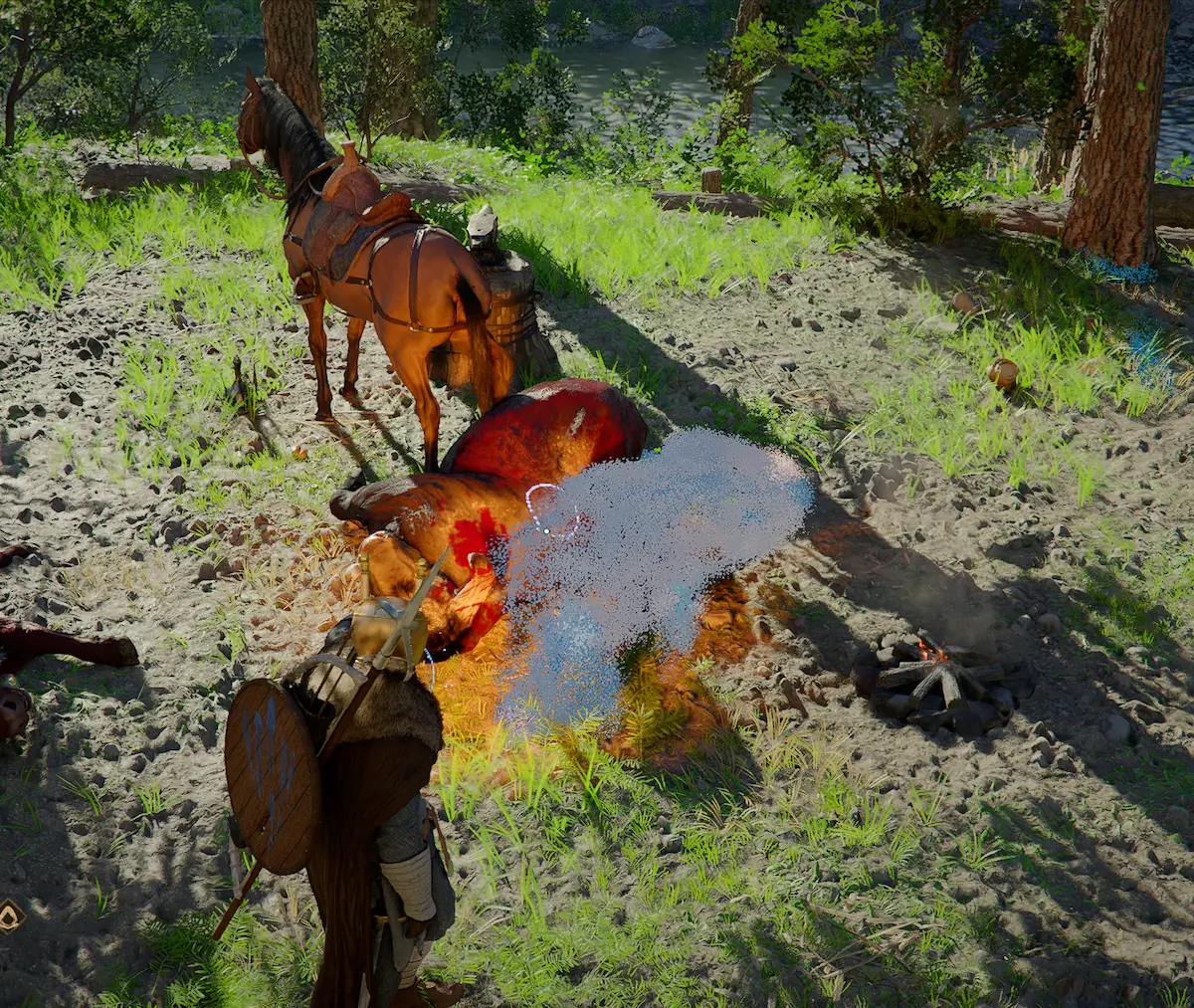
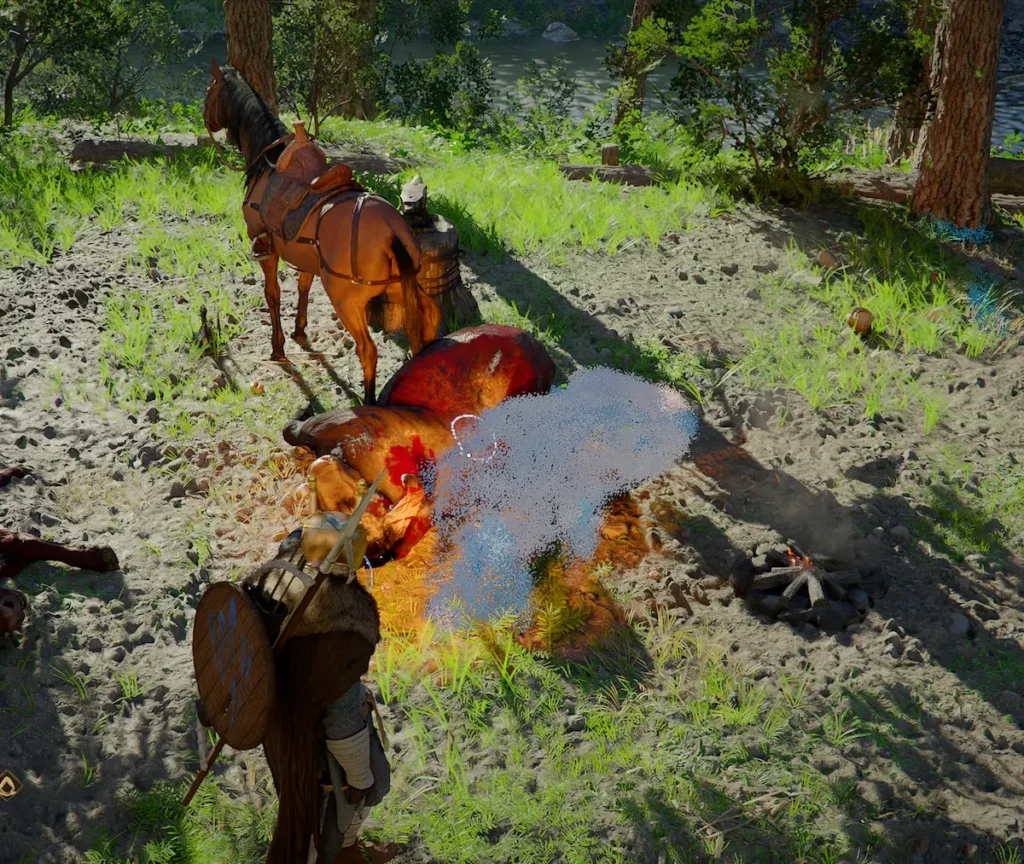
- When the lantern pulses in blue, keep it pointed at the spot until:
- a short Crimson Desert memory scene or dialogue appears,
- and the progress bar fills up completely.
Once finished, the memory fragment is unlocked in your log.
Example quest: The Missing Cow (memory marks when you aim the cow).
How to Read the Memory with Visione
Unlocking a memory is only half the job in Crimson Desert to fully complete your mission. You now must read the memory with Visione so the quest moves forward.
- Press F2 again.
- Go to the Armor / Helmet tab.
- Select the Visione helmet and confirm with left‑click.
- Reopen the menu (F2) and choose Read / Play on the Visione.
- In the list, go to the relevant section (for example Hernand).
- Pick the correct Crimson Desert memory (for example The Missing Cow) and watch it until the end.
How to Complete the Memory Quest
Now that you use memories in Crimson Desert on PC correctly, the quest should update.
- After both steps above (lantern + Visione memory), return to the quest NPC that gave the mission (Brémer for The Missing Cow).
- The Crimson Desert memory quest will then either advance or fully complete.
Final Tips When You Use Memories in Crimson Desert on PC
- Always equip the lantern once with F2.
- Hold Ctrl to reveal the memory fragment.
- Read the memory in Visione (with Read / Play) to validate the quest.
- Make sure to finish the memory clip entirely, not just trigger it once.
By following this guide, you will know exactly how to use memories in Crimson Desert on PC and how to complete related quests without missing any step.
Have fun!
For more guides visit our page Crimson Desert Guides.