This article may contain affiliate links.
Last updated on November 28, 2026
Started playing but feel like you’re missing something? Here are GTA 6 tips and control tricks the game never really explains. A list of tips like these has been going around Reddit, starting on the r/PS5 subreddit, so we checked them against several guides and gathered the most useful ones here, with buttons for both PS5 and Xbox Series X|S.
If you’re just getting started, also check our guide on what to do in your first hours.
GTA 6 tips for driving
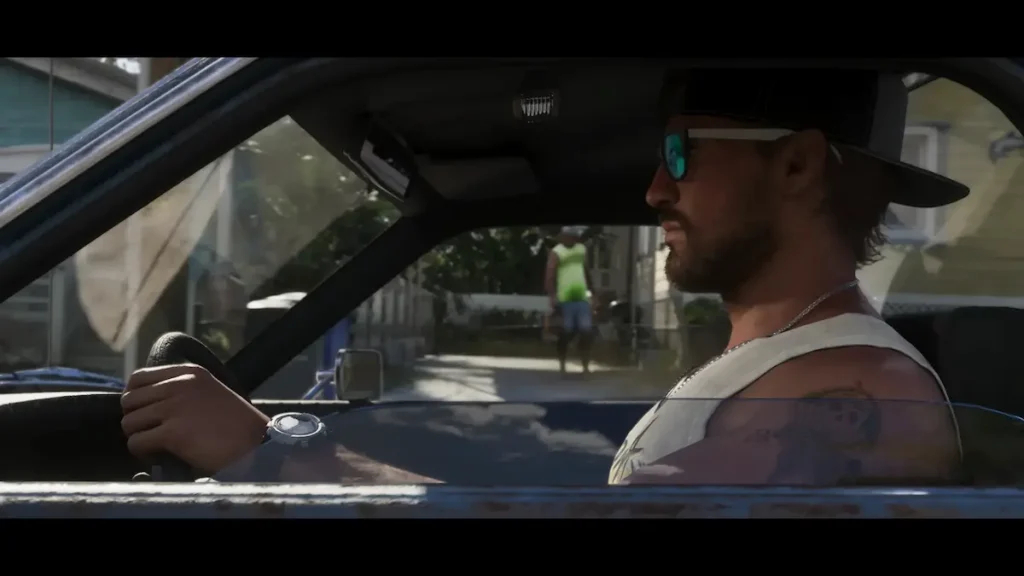
1. Duck in your car so the cops don’t spot you. Hold Circle (PS5) or B (Xbox). It’s very handy when you’re wanted and want the police to drive right past you. For more tricks, see our guide on how to lose the cops in GTA 6.
2. Get out and leave the engine running. Double-tap Triangle / Y. A single tap turns off the engine, headlights and radio.
3. Use your turn signals like a good citizen. Tap D-pad Left or Right on either console.
4. Switch your headlights and high beams. Tap Circle / B. Holding the same button makes you duck.
5. Turn the radio off. Double-tap D-pad Left.
6. Swing your door into someone. While driving, press Square / X: the driver’s door flies open, and you can hit other cars or even knock cops off their bikes.
7. Open the vehicle menu. Hold D-pad Left to bring up the options for the vehicle you’re in.
8. Tell other drivers what you think. Press R3 / RS (right stick) while driving and your character starts yelling at them.
9. Let the game drive for you. Set a waypoint, hold D-pad Down and press Options / Menu to enter cinematic mode, accelerate a little with R2 / RT, then hold Circle / B when the Auto-Drive prompt appears. Adjust the speed with L2 and R2 / LT and RT.
GTA 6 tips on foot
10. Rest or lean on something. Hold Circle / B. Depending on what’s around, your character leans on a car or a wall, or sits down.
11. Flip someone off. With no weapon in hand, hold L2 / LT to focus on someone, then press R1 / RB.
12. Look around in first person. With no weapon out, hold L2 / LT and press R3 / RS. It’s look-only, you can’t walk around like that.
13. Spot which buildings you can enter. As you get close to a building you can go into, its entrances show up as white lines on the minimap.
GTA 6 tips for weapons and combat
14. Swap shoulders while aiming. While holding L2 / LT, press D-pad Left. A big help when you’re in cover behind a corner.
15. Use your scope or sights. While aiming, press R3 / RS. Press it again to go back.
16. Trigger Focus. While aiming, press L3 and R3 together (both sticks) to slow down time.
17. Recognize unique weapons. Weapons with a gold icon are unique weapons, different from the ones you buy at Ammu-Nation (blue icon). Once you pick one up, you’ll find it in your weapon locker.
18. Change weapons on the go. Hold L1 / LB to open your loadout.
19. Grab your opponent in a fistfight. In melee, press R2 / RT to grab them, and use L2 / LT to lock on.
GTA 6 tips for your partner and phone
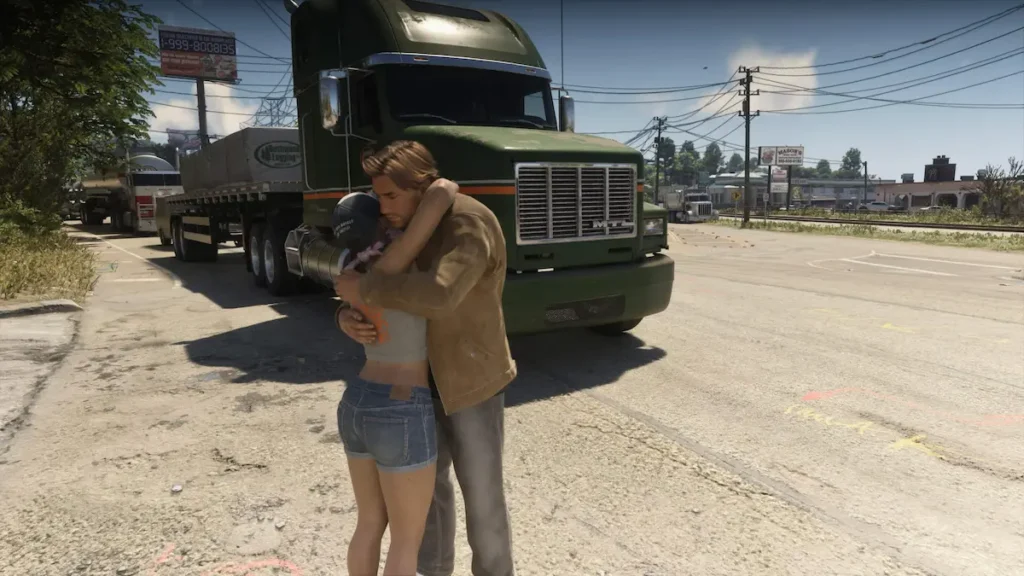
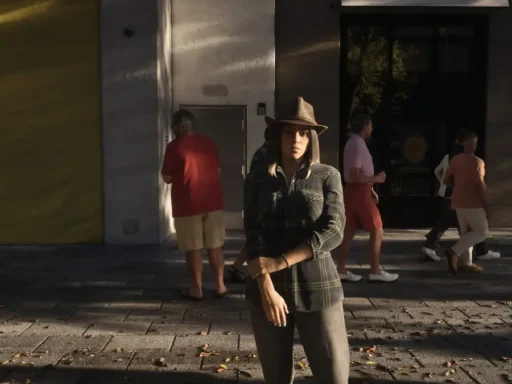
20. Open the partner menu without blowing anything up. Hold D-pad Right. Careful: a quick tap on the same button detonates any explosives you’ve planted. From the menu, press R1 / RB to switch between Jason and Lucia. More in our guide on how to switch between Jason and Lucia.
Bonus: check a car before you steal it. Hold D-pad Up to open the WAiNK app, aim at the car and press R1 / RB to scan it.
What to read next
Once you’ve finished the story, check out the GTA 6 cheat codes and how to unlock them.

I’m passionate about books and video games. These two great passions represent, for me, a boundless universe where I can “escape” from reality whenever I need or want to. There are so many stories, worlds, and landscapes where I can instantly teleport that I don’t think a whole lifetime would be enough to explore them all (though it would be my greatest dream to be able to).