
Last updated on September 22, 2026
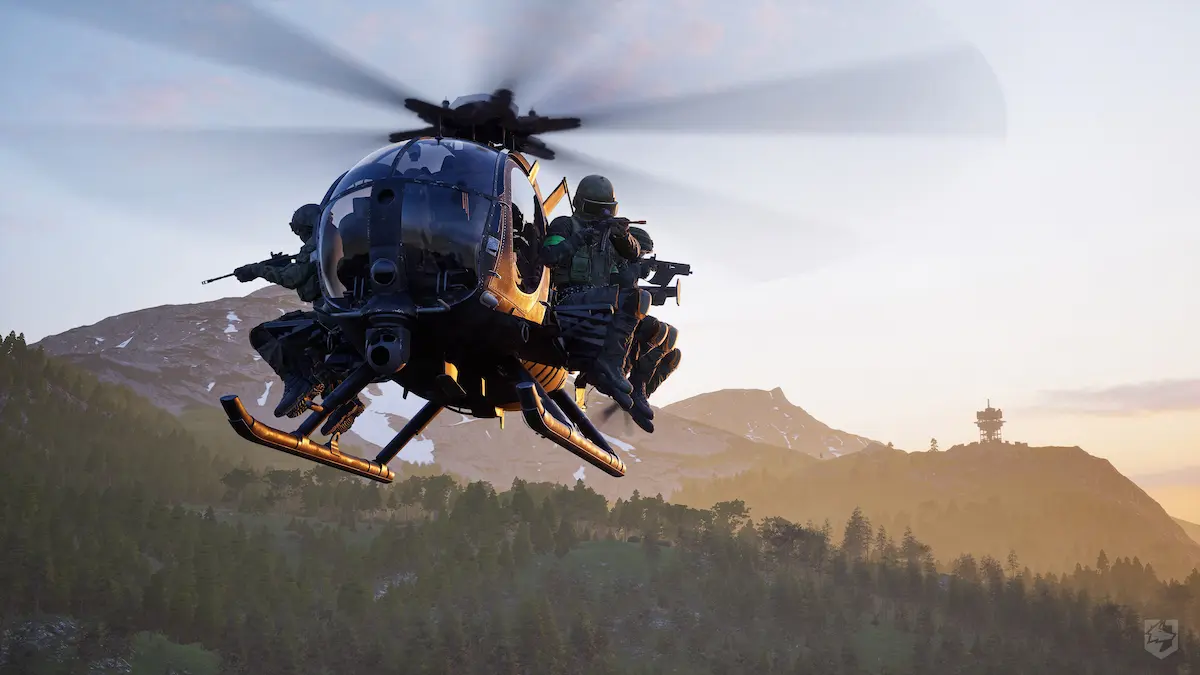
Helicopters in Wardogs don’t behave like arcade vehicles at all. The physics are simulated, closer to piloting a real helicopter, which means your first flights will be clumsy no matter how good you are at the rest of the game. The good news: right now, in Early Access, plenty of players still haven’t unlocked anti-air weapons, so hauling teammates toward a Control Zone or Hot Zone by air is relatively safe, and a decent way to make quick cash.
Core controls
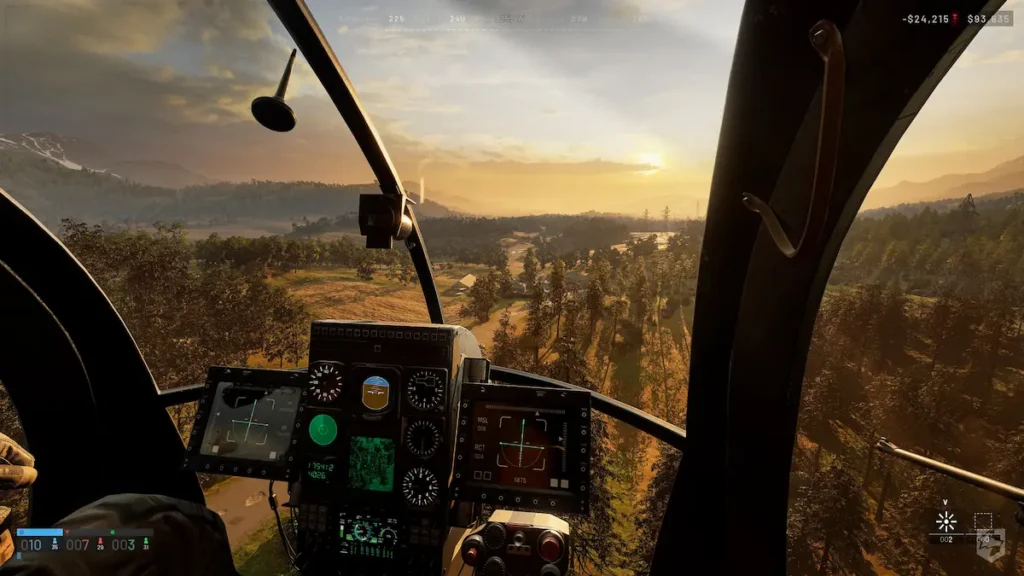
Four controls run a helicopter, and none of them work in isolation. Collective gives you altitude, up or down. Pitch tilts the nose forward or back and is what pushes you or brakes you. Roll tilts the whole airframe left or right and is your main tool for turning while moving. Yaw rotates the helicopter in place, so you can point the nose wherever you need.
The flight model has no strong auto-stabilization. If you overcorrect an input, the helicopter won’t straighten itself out, you have to ease off, not pile on more.
Mouse and keyboard settings
Somewhere in the settings menu there’s an option called Rotary Vehicle Mouse Control, which lets the mouse take over flight input. By default, left/right handles Roll, up/down handles Pitch. There’s also a Rifle Aim mode, where horizontal movement controls Yaw instead of Roll, while vertical stays on Pitch.
As for sensitivities, guides don’t agree on exact numbers, which probably just means it comes down to personal style. Some recommend Pitch and Yaw around 80%, with Mouse Axis Isolation at 70%. Others prefer lower values, something like 50% for Pitch and Roll, with general mouse sensitivity around 0.55 at 1600 DPI. Wardogs doesn’t have a separate vehicle sensitivity slider yet, so anything you change on your general mouse sensitivity affects the helicopter too.
Taking off
Raise Collective slowly, until you feel the helicopter lift off cleanly, then add forward Pitch to build speed. The most common beginner mistake is the exact opposite combination: a jerky Collective input plus heavy Pitch or Roll from the very first move. The result is a drift you then try to correct with an even bigger input, one that keeps acting even after you’ve let go of it.
Landing
A normal landing means decelerating at low altitude, bringing Collective down to zero, and holding slight upward Pitch while you bleed off speed. Around 50 km/h you can touch down smoothly or slide briefly before stopping. Avoid a hard drop, the kind of “death dive” where high speed is braked purely on the vertical axis, because that turns you into an easy target exactly when you’re most vulnerable.
For landing zones under fire, there’s the J-hook technique: approach the landing point from the side, Roll toward the target, then Yaw to swing the nose back down, essentially spinning the airframe into a fast descent. It’s not a move for your first day of flying.
What to start with
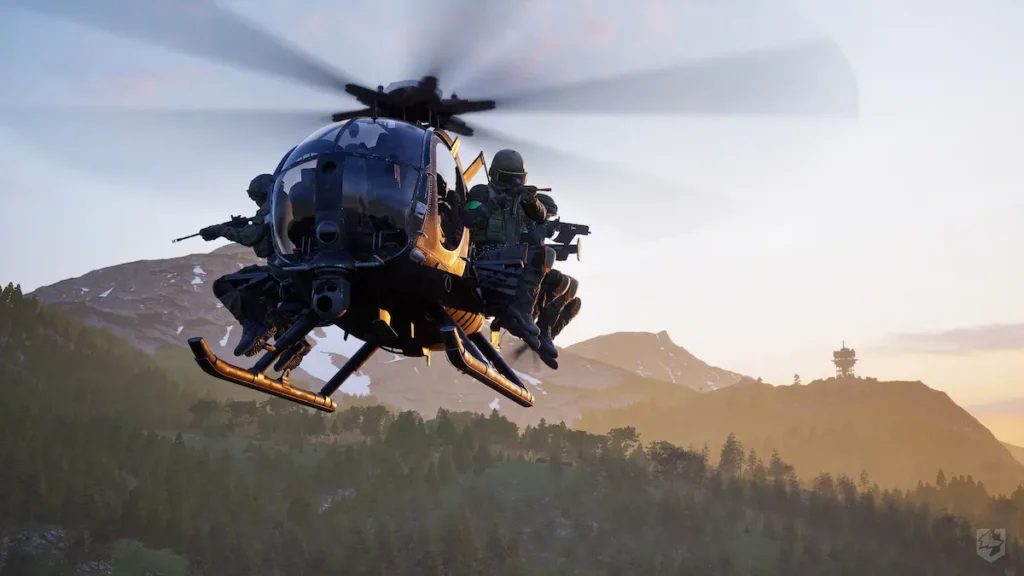
MH-6, or Little Bird, is the obvious pick for a new pilot. It costs $6,250 and has no unlock to clear first, you buy it and fly. It’s a pure transport, no weapons to manage, so you can focus entirely on piloting. Firing Range is the map where you can practice without the risk of getting shot down. Once you’re comfortable on the controls, a helicopter is also useful for reaching a contested tower fast, if you want the details on how capturing actually works and what the four-digit code does, we have a separate towers guide.
In the settings, Flight Assists is a master switch with two sub-options, Stability Assist and Auto-Hover Assist. As a beginner, leave both on. If at some point the helicopter feels like it’s “fighting” your turns, the first thing to turn off is Auto-Hover, not the whole package at once.
One annoying thing worth knowing ahead of time: there’s an inversion bug where Roll reacts opposite to the mouse. The fix isn’t where you’d expect, in the vehicle settings, it’s under “Invert Y Axis – Infantry”, because the two options are mistakenly linked even though the menu shows them separately.
Some players put Yaw and Pitch on the mouse, others stick with default keyboard controls, others use dual joysticks with pedals. Dual setups and Rifle Aim give more precision, the default controls are easier to learn at first, but less fine-grained.
The danger nobody warns you about
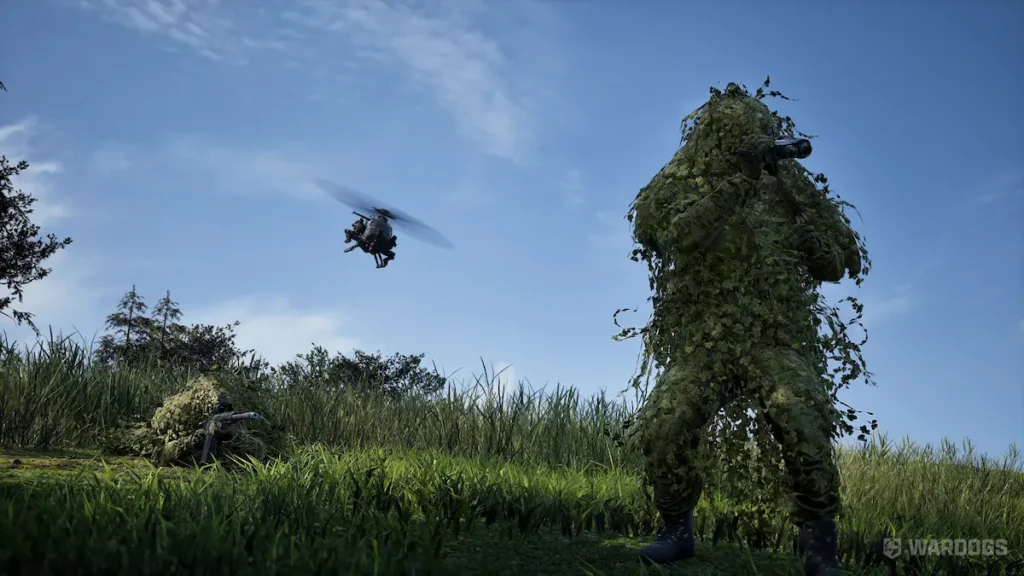
Unlike almost every other shooter, Wardogs gives you no warning when you’re the target of an anti-air missile. No lock tone, no direction indicator. You find out when it hits you. Launchers can be placed almost anywhere and are hard to spot, and the Flakpanzer Gepard, unlike a fixed structure, can relocate.
Fly low, keep terrain between you and the enemy, and don’t cross open ground at high altitude just because it feels safer up there. It’s exactly the opposite.

I’m passionate about books and video games. These two great passions represent, for me, a boundless universe where I can “escape” from reality whenever I need or want to. There are so many stories, worlds, and landscapes where I can instantly teleport that I don’t think a whole lifetime would be enough to explore them all (though it would be my greatest dream to be able to).