
Last updated on May 26, 2026
I’m not a professional reviewer. I’m a gamer. I play every day, I’ve had my mouse for years, I’ve added weights to it, I know exactly how every click and every movement should feel. And that’s precisely why this review is going to be different from what you’ll find on other sites: no spec sheets and benchmarks, but the real experience of a gamer who picked up a radically different mouse and tested it directly in battle.
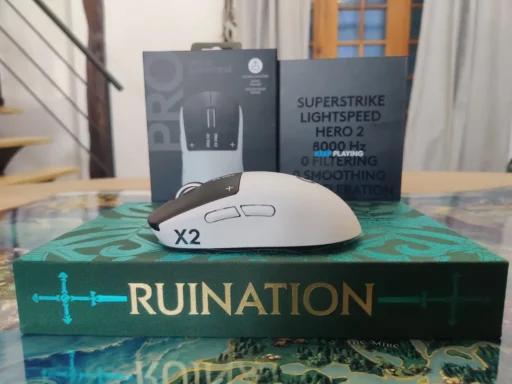
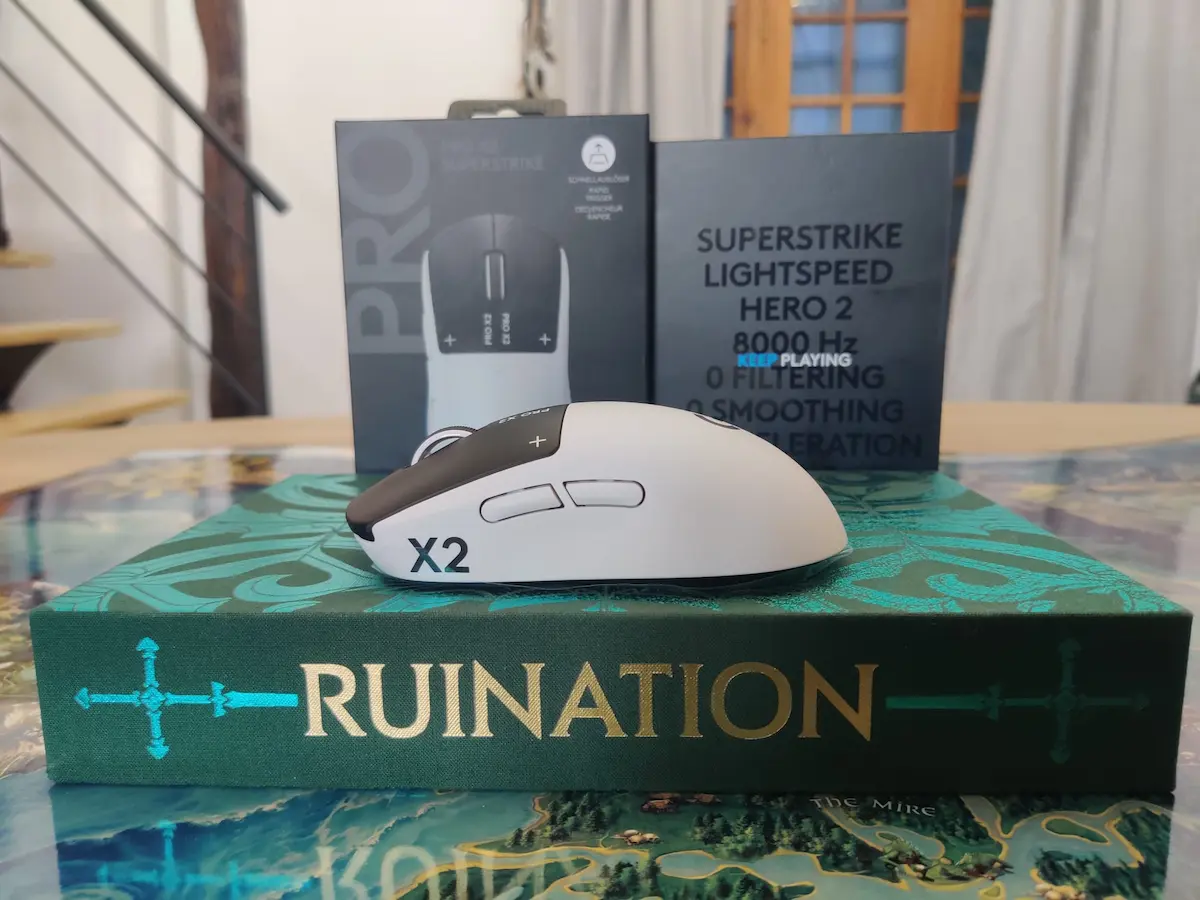
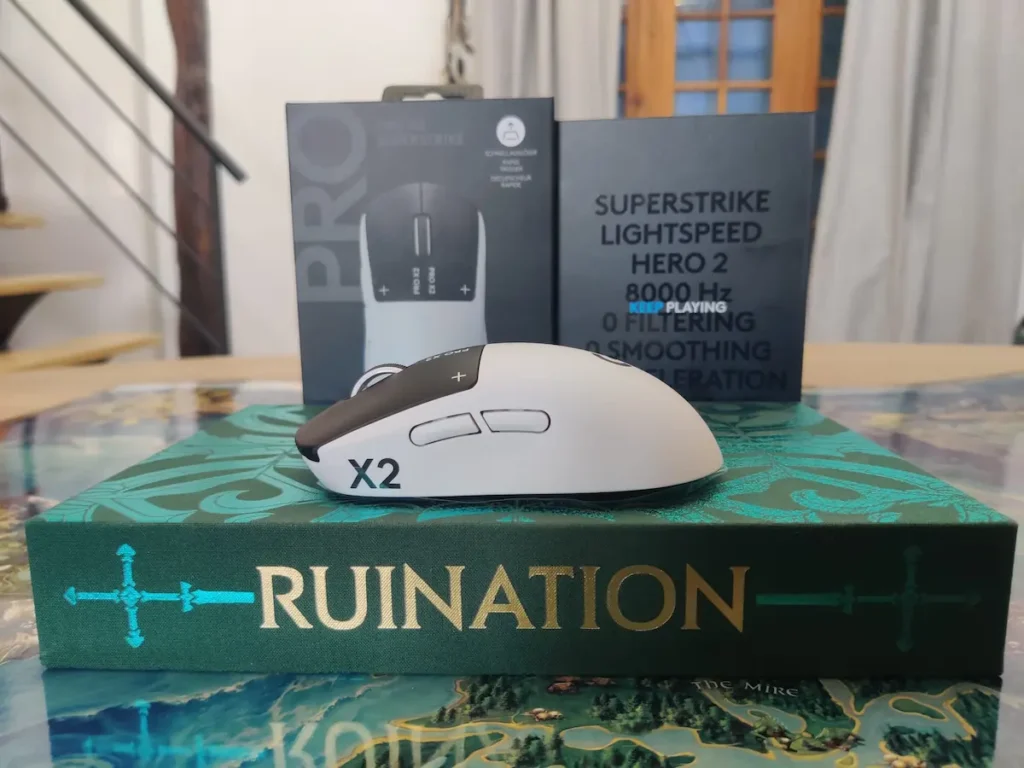
Mouse tested: Logitech G Pro X2 Superstrike. Game: League of Legends. Conditions: no preparation, no forced adjustment period. Straight onto the map.
Technical Specifications
• Sensor: HERO 2
• Max DPI: 44,000 (adjustable from 100, in 5 DPI steps)
• Tracking speed: 888 IPS
• Acceleration: 88G
• Polling rate: up to 8,000 Hz wireless (0.125ms latency)
• Battery: 60–90 hours on a single charge
• Charging: USB-C (cable included in box)
• Click technology: HITS – Haptic Inductive Trigger System
• Weight: 61g
• RGB: No
• Buttons: 5 (2 main, scroll wheel, 2 side buttons)
Connectivity: Plug, Click, Go
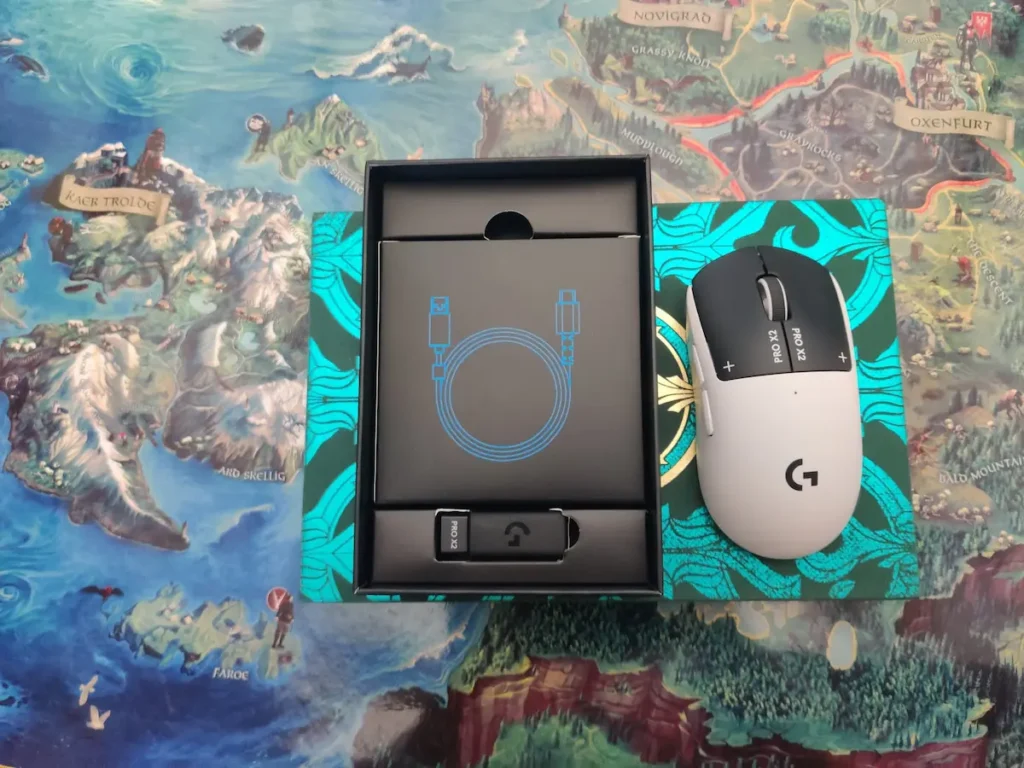
The first thing that won me over about the Pro X2 Superstrike was how simple it was to connect. You plug the USB dongle into the PC, move the mouse, and you’re ready to play. No mandatory software, no YouTube tutorials, no Googling how it works. Exactly what I like from new hardware: take it out of the box and it works. Let’s go.
The wireless connection uses Logitech’s LIGHTSPEED technology, with a polling rate of up to 8,000 Hz, meaning the mouse reports its position 8,000 times per second with a latency of just 0.125ms. In practice: zero perceptible lag, a connection as solid as a wired mouse.
Design & Weight: “Did I Get an Empty Box?”
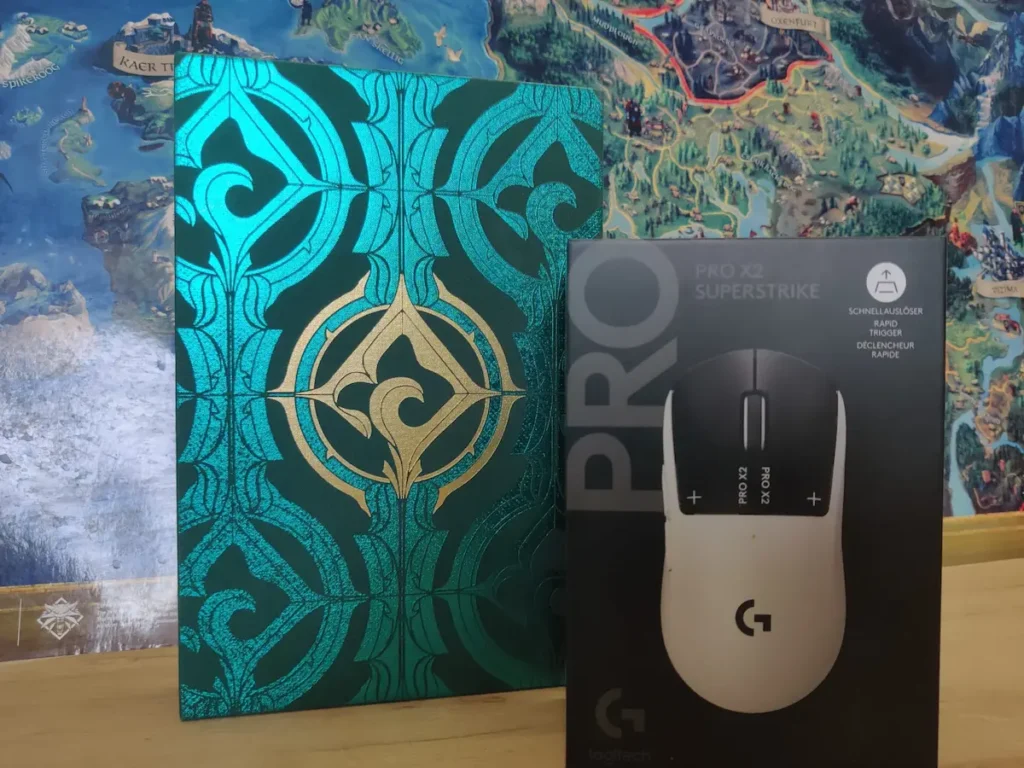
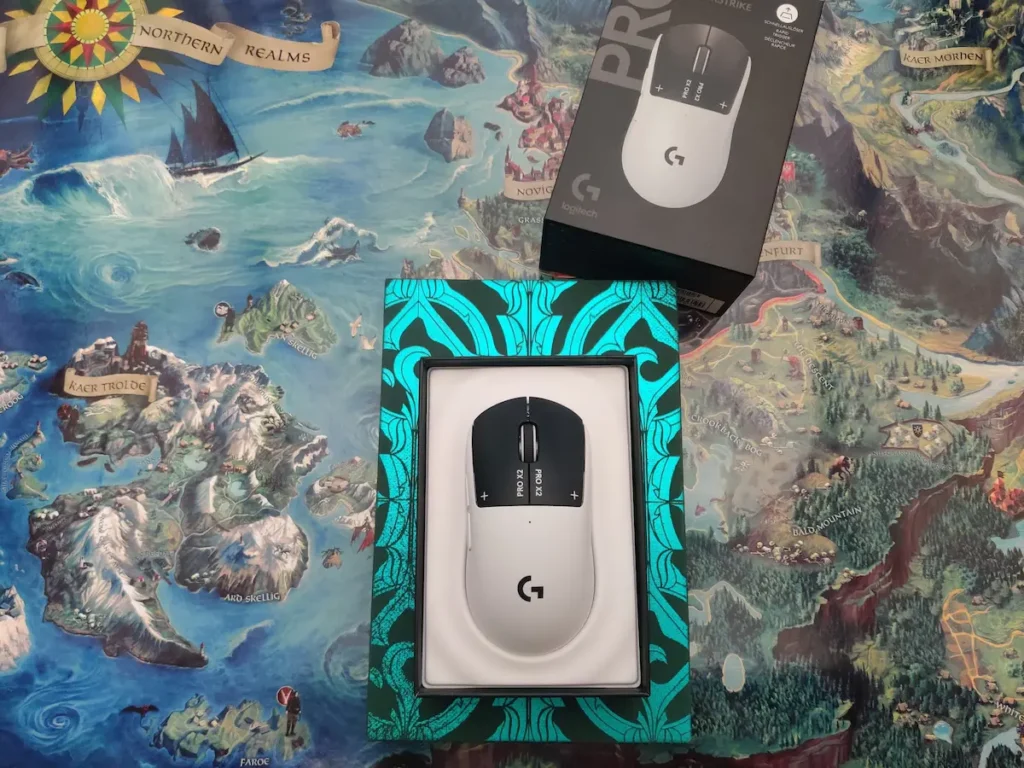
The first time I picked it up, I had a genuine moment of panic. Used to a heavy mouse with added weights, I gripped it tighter so I wouldn’t drop it during the classic first test, quick left-right to see if the PC recognizes it. The sensation was like holding a feather. Literally. The mouse weighs just 61 grams, making it one of the lightest wireless gaming mice in 2026.
The design is minimalist, symmetrical, no RGB, no aggressive details. At first glance you wouldn’t think it’s a pro gamer mouse. It looks more like a premium office mouse.
And then began the internal dialogue every serious gamer knows when switching gear: will I adapt, can I even play, is my years-old muscle memory going to get completely wrecked? Every gamer knows that even the tiniest change in weight or precision can throw you completely off. But I decided to try. It’s not like I’ll die if I lose a couple of matches.
A practical note on color: the mouse comes in white and black. If you’re the type of gamer with intense emotions, long sessions, and a few chips next to the keyboard, sweaty hands and a white mouse are not the best of friends. Black is the smarter choice for serious gaming.
The HITS System: “Why Isn’t It Clicking?!”
I double-clicked to launch the game and… nothing. Well, there IS a click, but it doesn’t make the classic sound my brain was expecting as confirmation. For context: I’m the kind of gamer who, in League of Legends under stress, clicks 10 times per second and the champion needs to feel like fire is coming from their heels. Click-click-click non-stop, mega-clicking every ability with full passion. And suddenly I have in front of me an almost silent mouse.
The technical explanation: The Pro X2 uses HITS switches (Haptic Inductive Trigger System), a world first in gaming mice. Instead of classic mechanical switches, the mouse uses an inductive sensor that detects how deeply you press the button (from 0.1mm to 0.65mm, in 10 adjustable steps), and a haptic motor sends the confirmation vibration directly into your finger. Concrete benefits: latency reduced by up to 30ms compared to classic switches, longer lifespan, and zero accidental double-clicks.
The most important thing I realized after the first few minutes of use: the mouse isn’t mute, it’s simply different. In a room with ambient noise (the PC humming, birds outside, the washing machine running), you’d think there’s no click sound at all. But the confirmation is there. Just not through your ears, through your fingers. The feeling that you triggered the ability is there because the vibration is there, precise and fast with every press. Once you understand that, everything changes.
Buttons & DPI: What We Press and Why It Matters
The mouse has 5 buttons: the two main left-right with HITS, scroll wheel with click, and two left-side buttons (Forward and Backward) with classic mechanical switches, programmable via G HUB for any in-game function you want.
An important detail: there is no DPI button on the mouse. This is a deliberate design decision, not an omission. The target audience is competitive players who set their DPI once and never change it mid-game. And it makes sense: how many times has a curious hand (or a child) accidentally hit the DPI button on a regular mouse, and at the start of the next match the cursor flies across the whole map for no apparent reason? It’s like a bucket of cold water to the face. The absence of this button is actually a smart choice.
How to adjust DPI without software: Windows Settings, Mouse, Pointer Options, drag the slider left. Fast and effective in 30 seconds. With G HUB: DPI adjustable from 100 to 44,000 in 5 DPI steps, with the option to set X and Y axis sensitivity separately.
In-Game Performance: Adaptation or Disaster?
Match 1, score 10/14. The team won, I made mistakes. It was like going to an exam hungry, sleep-deprived, and not properly hydrated: you’re there, you fumble, wobble a bit, and eventually the information comes to you because you did study after all. I played with no DPI adjustments, straight on defaults, and felt disoriented the entire match, present on the whole map but nowhere at the same time. A sort of “you have the ball, you don’t have the ball, shoot for goal” situation: I was casting abilities hoping I’d hit something, aiming in one direction and ending up going the opposite way at the last second.
Match 2. I adjusted the DPI in Windows by 3 points less on pointer speed, simple and fast, no software needed. I also calibrated the haptic intensity until I felt the click confirmation properly, with all the necessary passion. But the weight remained the main problem. The mouse was too light compared to what my hand was used to: push it a little harder and it slides, you lose control. Like sliding on grass without the right cleats, the ball is at your feet but you can’t control it.
Clear conclusion: you don’t get used to a completely different device after 2–3 matches. That’s not a criticism of the mouse, it’s the reality of any gear change after years of muscle memory.
HERO 2 Sensor & Battery
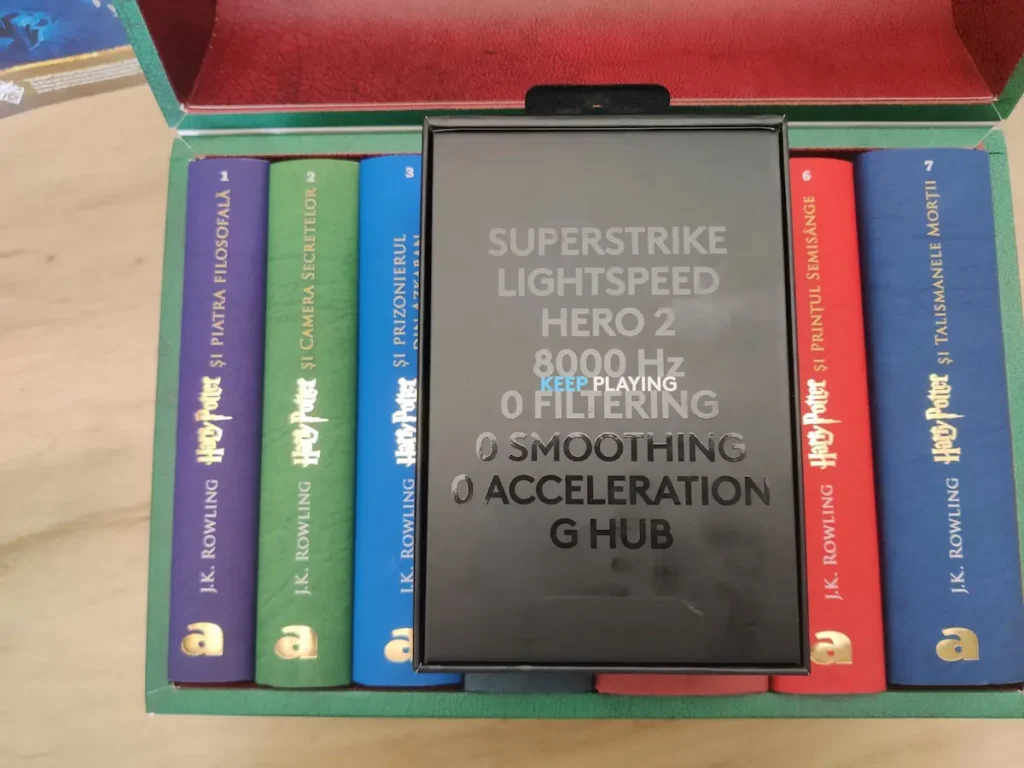
HERO 2 is Logitech’s optical sensor at the heart of the mouse. Tracking at 888 IPS, 88G acceleration, DPI from 100 to 44,000, with zero smoothing, artificial acceleration, or filtering. Whatever you do with your hand, the mouse reports exactly, with no hidden artificial correction. In other words, the sensor neither helps you nor gets in your way; it reports the reality of your movements exactly.
The battery lasts between 60 and 90 hours on a single charge, depending on polling rate and haptic intensity settings. The green LED pulses while charging and turns red when the battery drops below 15%. In practice, that means a full week of intense gaming without thinking about charging. There’s also compatibility with the POWERPLAY mousepad (sold separately) which wirelessly charges the mouse while you play, completely eliminating battery concerns.
Gliding and Hand Fatigue
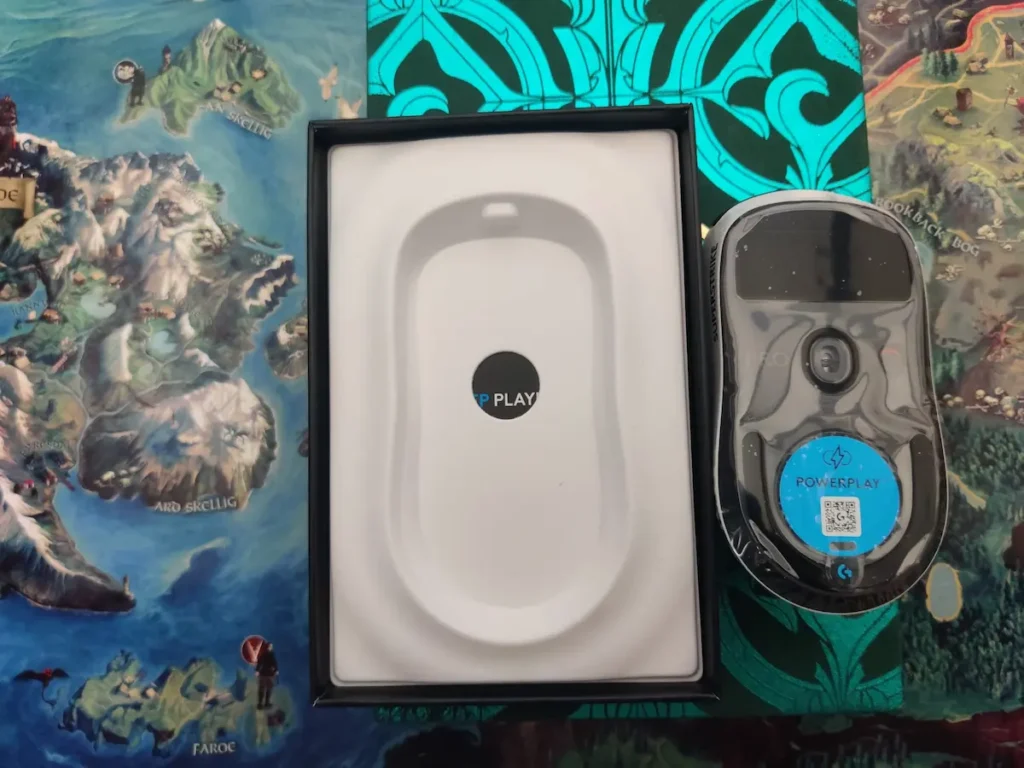
The mouse glides more smoothly than a regular mouse, though it’s hard to say with certainty whether the credit goes to the UHMWPE feet or simply to the reduced weight requiring less effort to move.
Something more surprising: after the test session my hand was tired, contrary to logical expectations. A lighter mouse should cause less fatigue, in theory. In practice, however, I probably gripped the mouse tighter than necessary, afraid of dropping it (too light, too different), and I was too consciously focused on every movement instead of relaxing and letting the automatism do the work. With my regular mouse, movements are reflex. Here, every movement was deliberate, and that costs energy.
What’s Missing Compared to Expectations
No DPI button on the mouse (adjustment only through software or Windows), no adjustable weight system (Logitech chose to target exclusively the ultra-light audience), the charging cable is not braided (a minus for a $180 mouse), and no Bluetooth, only LIGHTSPEED wireless and wired USB-C.
Final Verdict
| Category | Score |
|---|---|
| Overall score | 7.5 / 10 |
| Connectivity | 10 / 10 |
| HITS click technology | 9.5 / 10 |
| Weight & adaptation | 6 / 10 |
| Value for money | 6.5 / 10 |
| Design | 7 / 10 |
The Logitech G Pro X2 Superstrike is not a mouse for everyone. It’s a mouse for a very specific category of players, those who want the fastest possible click, the lightest possible mouse, and aren’t bothered by a premium price tag.
If you’re coming from a heavy mouse with added weights, prepare yourself for genuine culture shock. The weight, the click sound, the feedback, everything is different, and adaptation takes time, not just 2–3 matches.
But the HITS technology is truly remarkable. The haptic confirmation of the click, not through sound but through vibration directly in your finger, is such a good idea that you wonder why it didn’t exist before. It’s shock, it’s change, it’s evolution, and we always need to give evolution a chance.
Buy it if you’re a serious competitive player, an esports player, or someone who already prefers ultra-light mice and wants the most advanced click available in 2026.
Avoid it if you play with a heavy mouse or added weights, you’re not willing to invest real adaptation time, or you don’t feel that $180 is justified for your level of play.

I’m passionate about books and video games. These two great passions represent, for me, a boundless universe where I can “escape” from reality whenever I need or want to. There are so many stories, worlds, and landscapes where I can instantly teleport that I don’t think a whole lifetime would be enough to explore them all (though it would be my greatest dream to be able to).